Overall process
How a TicketSquad event runs from setup to sale day - and how the flow differs for named and transferable tickets.
Every TicketSquad event follows the same spine: set it up, get everyone into one shared place, then run the sale with the right machinery for the kind of tickets you're chasing. Three ideas carry the whole thing:
- The group chat gets one shared place. Everyone joins the same event instead of scattering registration numbers across DMs.
- Groups multiply your attempts. For named-ticket sales, several small buying groups mean several real chances at the queue.
- Readiness is visible. Missing details surface early enough to fix calmly, not at midnight before the sale.
You can try the whole flow yourself with demo data - the Try the demo button on the home page logs you into a ready-made Squad.
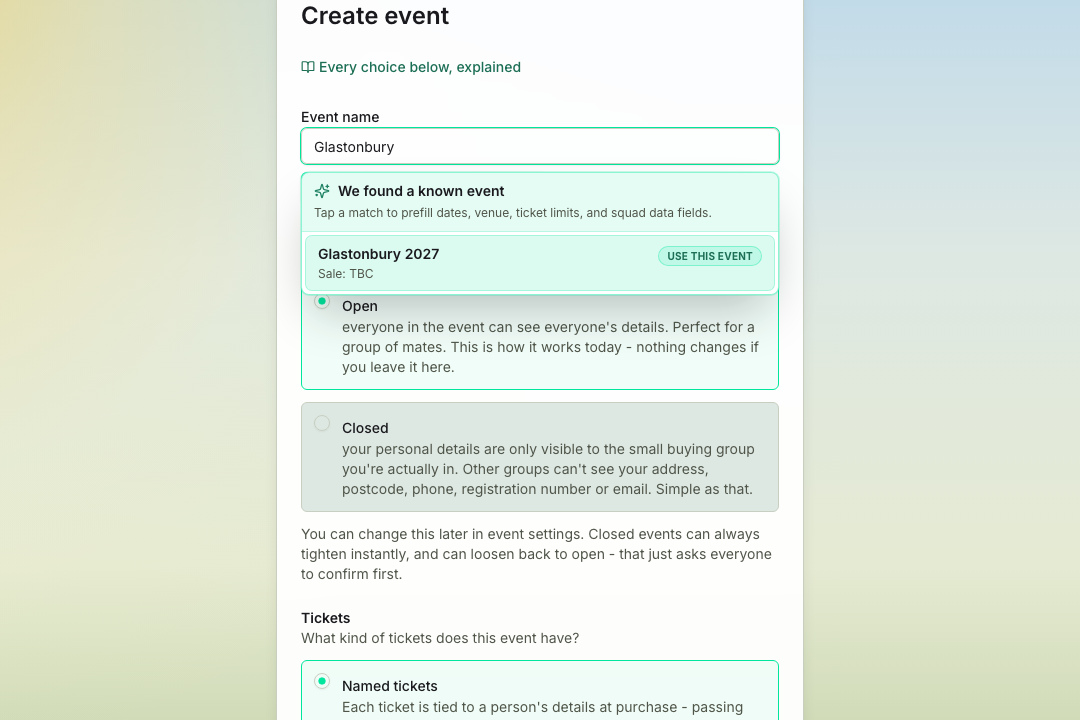
Set up the event
Set up any festival, tour, or one-off sale, or use a known event with useful details already filled in. For events TicketSquad knows well, the app can bring in sale dates, venues, ticket types, entry requirements, images, and sensible defaults. For everything else, you can still create the exact plan your squad needs.
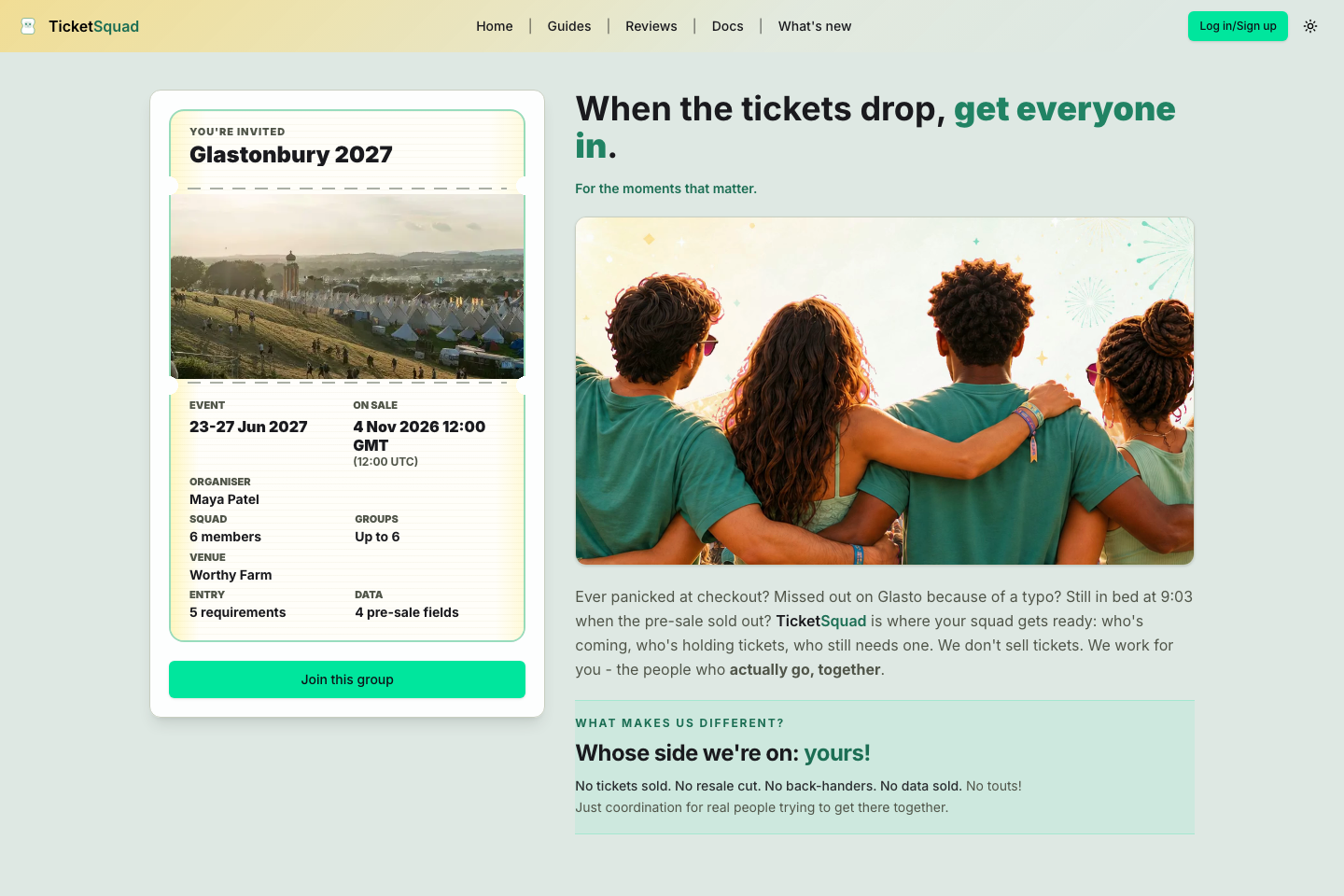
Bring the group chat into one shared place
Share one link so everyone joins the same event instead of scattering details across DMs. For a Glasto-style sale, the organiser should not be copying registration numbers out of four different chats at midnight. TicketSquad gives the group a single place to join and see what still needs doing.
Then the flow splits by ticket type
The sale-day machinery depends on what happens to a ticket after someone buys it. An event starts in one mode, and coordinators can switch it in Settings until real ticket activity locks it in; the workspace only ever shows the machinery the current mode needs. Click a branch to drill into its full flow:
- Collect everyone’s details early
- Split into buying groups
- Chase readiness calmly
- Static sale-day boards for the rush
- Track outcomes, keep the relay moving
- Everyone buys what they can
- The board tallies held / spare / needed
- Hand-overs confirmed by both sides
- Live demand tally in the sale window
The squad plan lives with the event
Preferences, travel, accommodation, ETAs, clashfinder notes, and lessons for next time belong with the event. TicketSquad starts with the details that matter under checkout pressure, but the same squad page is the natural home for the wider plan: who is travelling together, where people are staying, what they want to see, and what the group should remember next time.
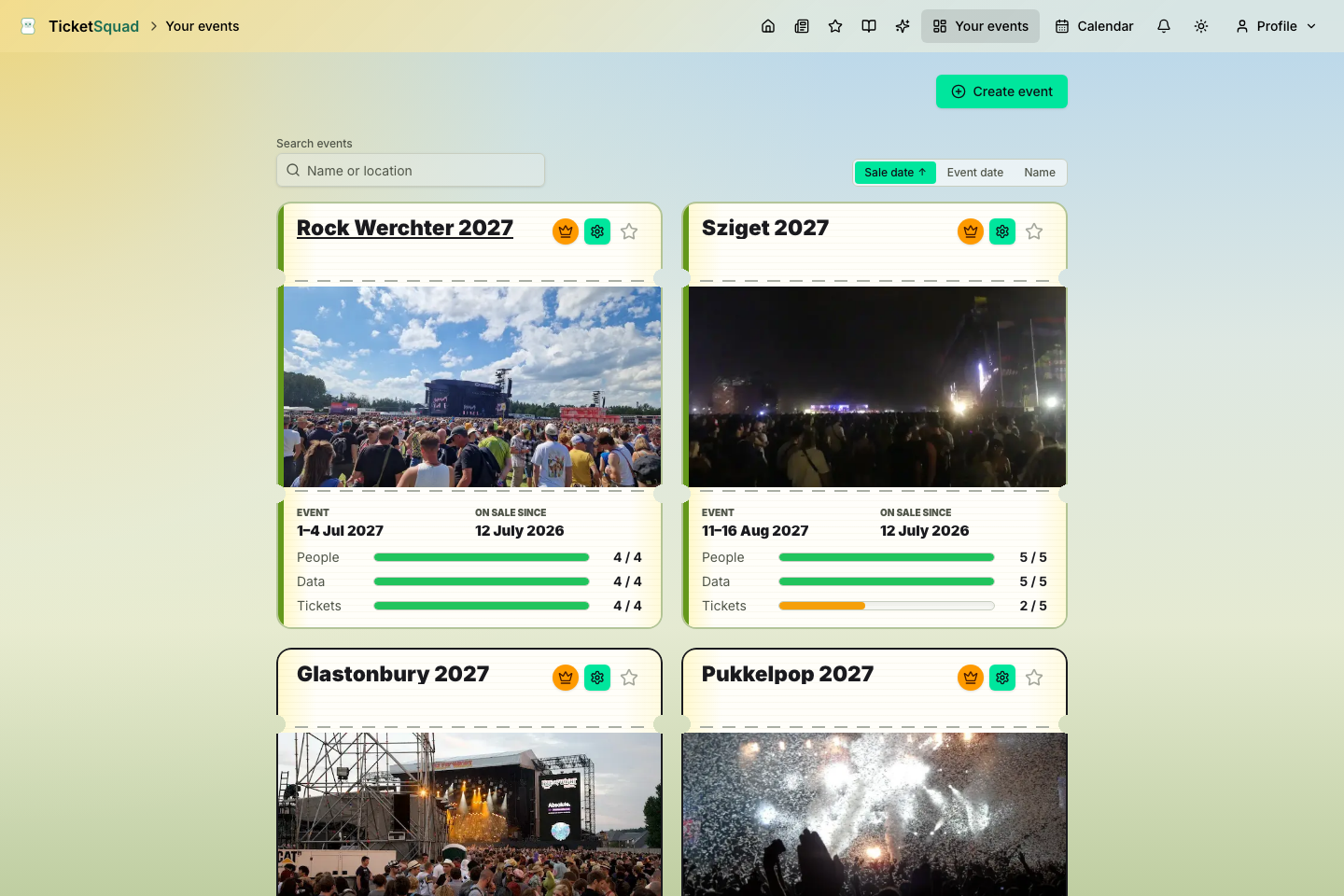
All your events in one place
Every squad, sale, and status check lives on one calm dashboard. As your calendar fills up, TicketSquad keeps the whole portfolio visible: upcoming sales, past events, group readiness, and demo data are all easy to scan without losing the detail inside each event.