Named events
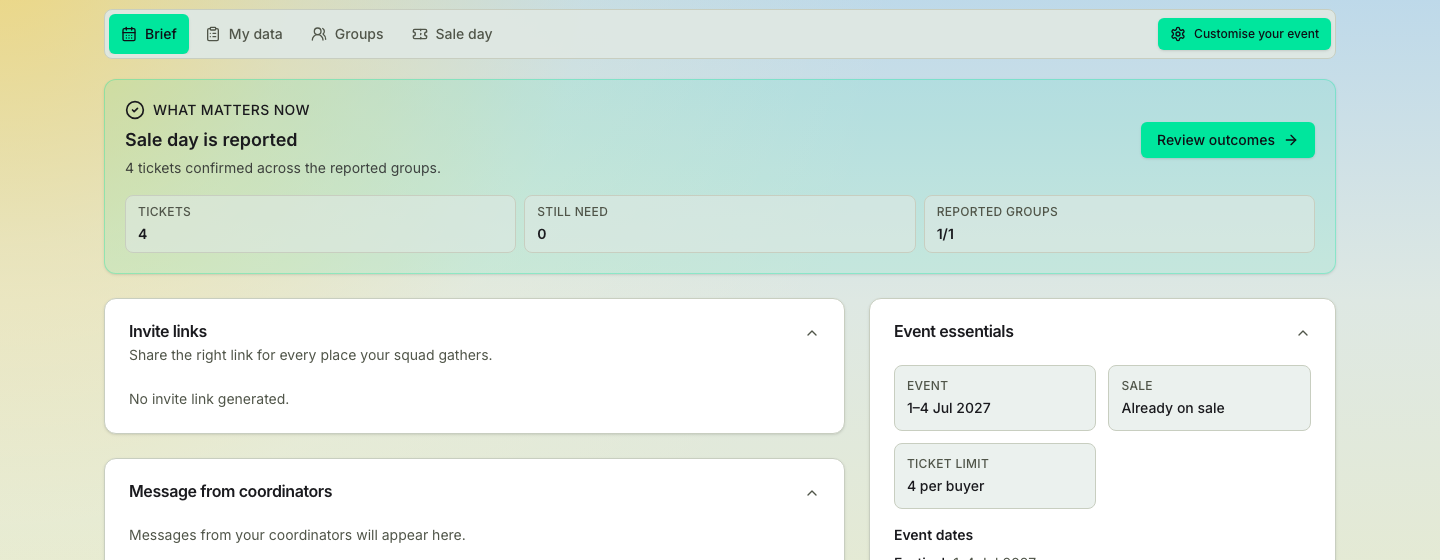
The Glastonbury-style flow - collect details first, form buying groups, and run sale day from the live board, with an offline backup for if the site is down.
Named tickets are tied to a person at purchase: whoever's details go into the checkout form is who gets in. That one rule shapes the whole flow. You win or lose the sale on having the right details ready and having more than one person in the queue. This is the machinery TicketSquad was built for in the first place.
Data first: collect what buyers need under pressure
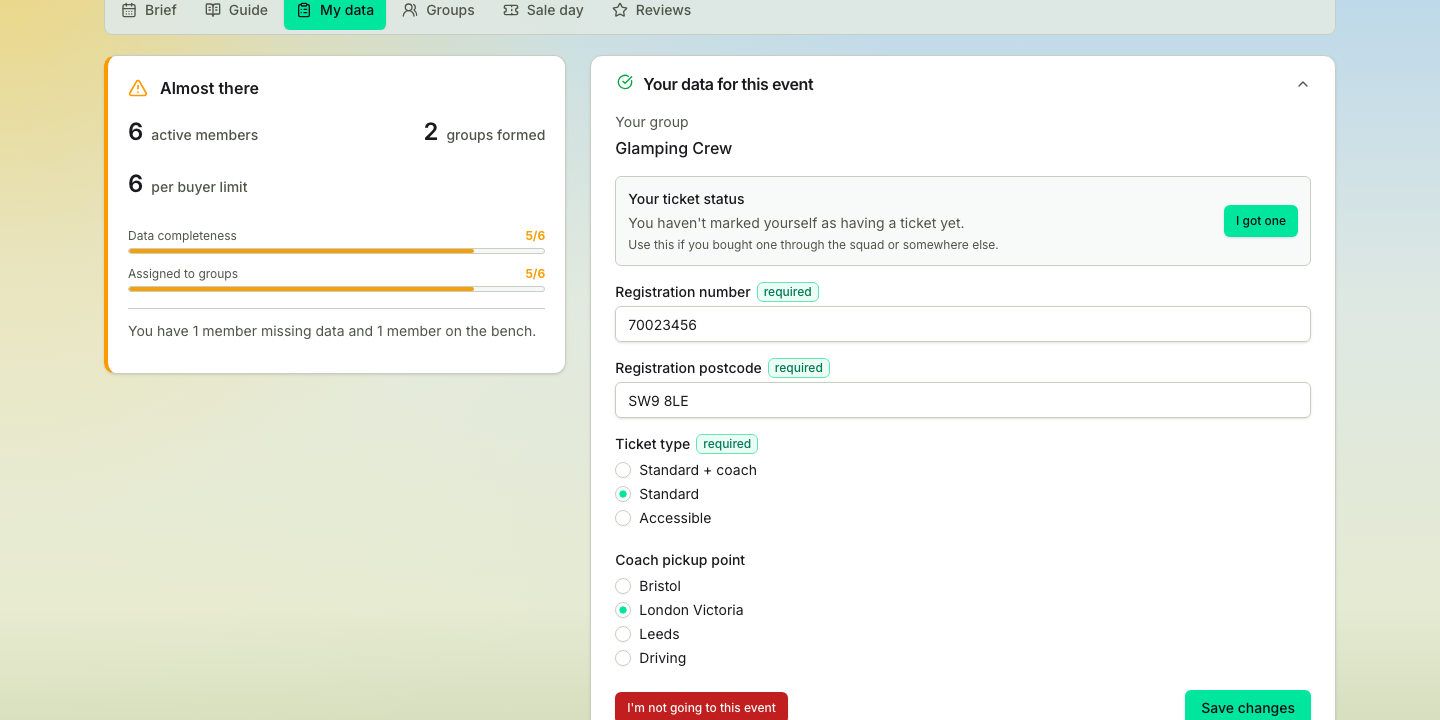
Registration numbers, postcodes, ticket choices, accessibility needs: gather them early and check them twice. Everyone gets a guided place to add the details their buyer will need at checkout, then check they're right before sale day. A coordinator can keep an event Open, so it works like a trusted shared sheet, or Closed so personal details stay inside each buying group.
Groups first: split one crowd into independent buying groups
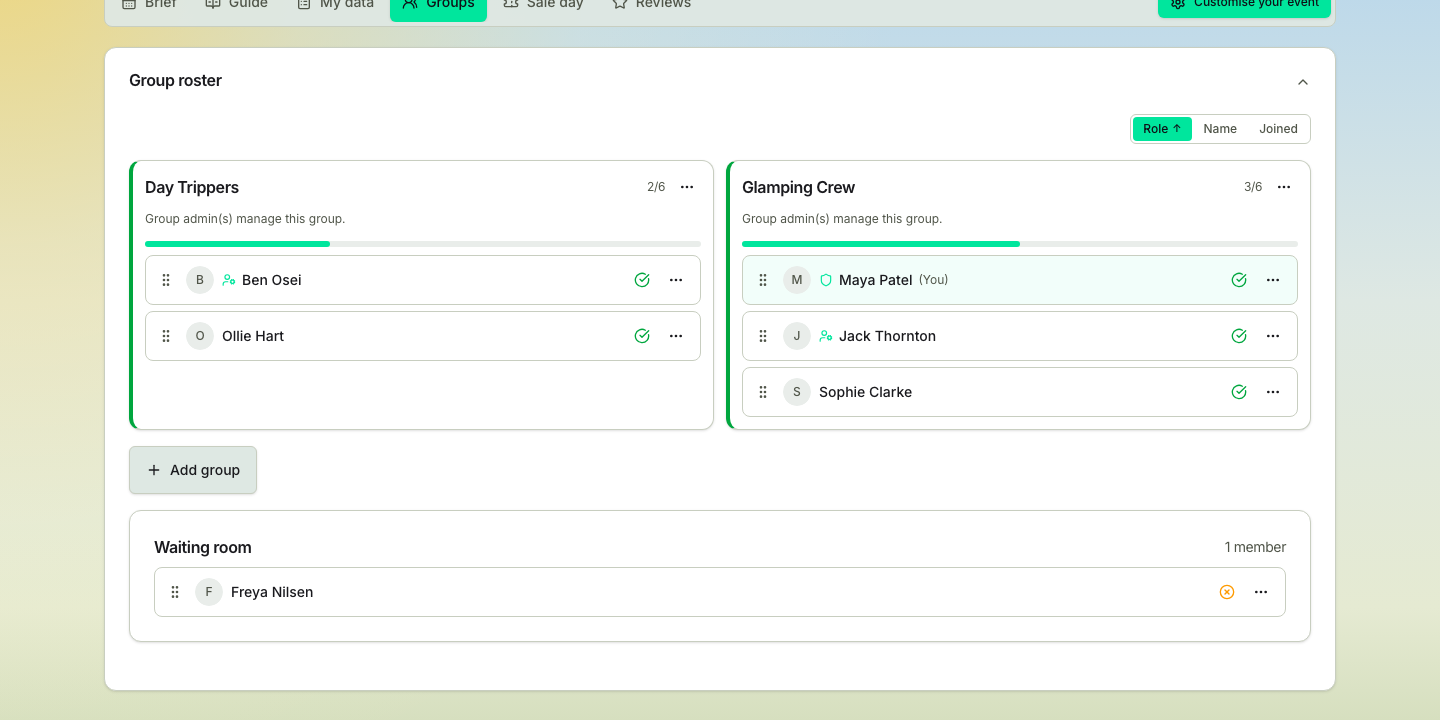
Several smaller buying groups means several real attempts at the queue, and the tactic is simple: whoever gets through buys for their group. What the app adds is that the shape of each group, who's in it and who's responsible are all visible before the sale begins.
Several sales in one event
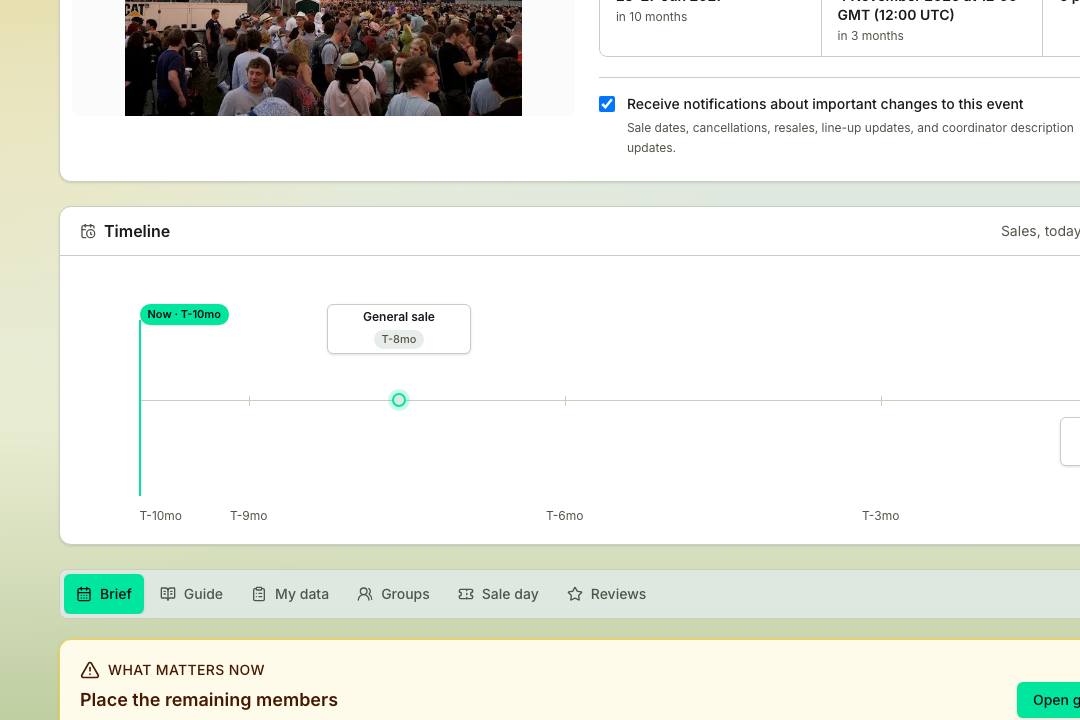
Some events sell in more than one round: a coach package sale weeks before the general sale, or a resale after the first morning. Turn sale plans on and each sale gets its own buying groups, its own date and its own answer to who's buying, with the same squad in all of them. The Groups page shows one sale at a time and opens on the running one, marked as such, or on the next sale to come while none is running. Everything below on this page then happens per sale.
Readiness: spot missing details before they cost you tickets
The coordinator can see missing data, empty groups and anything that needs chasing. The point isn't to hand the organiser more admin; it's to show the last ten percent early enough that you can fix it without a midnight scramble.
Sale-day boards: built for the worst five minutes of the year
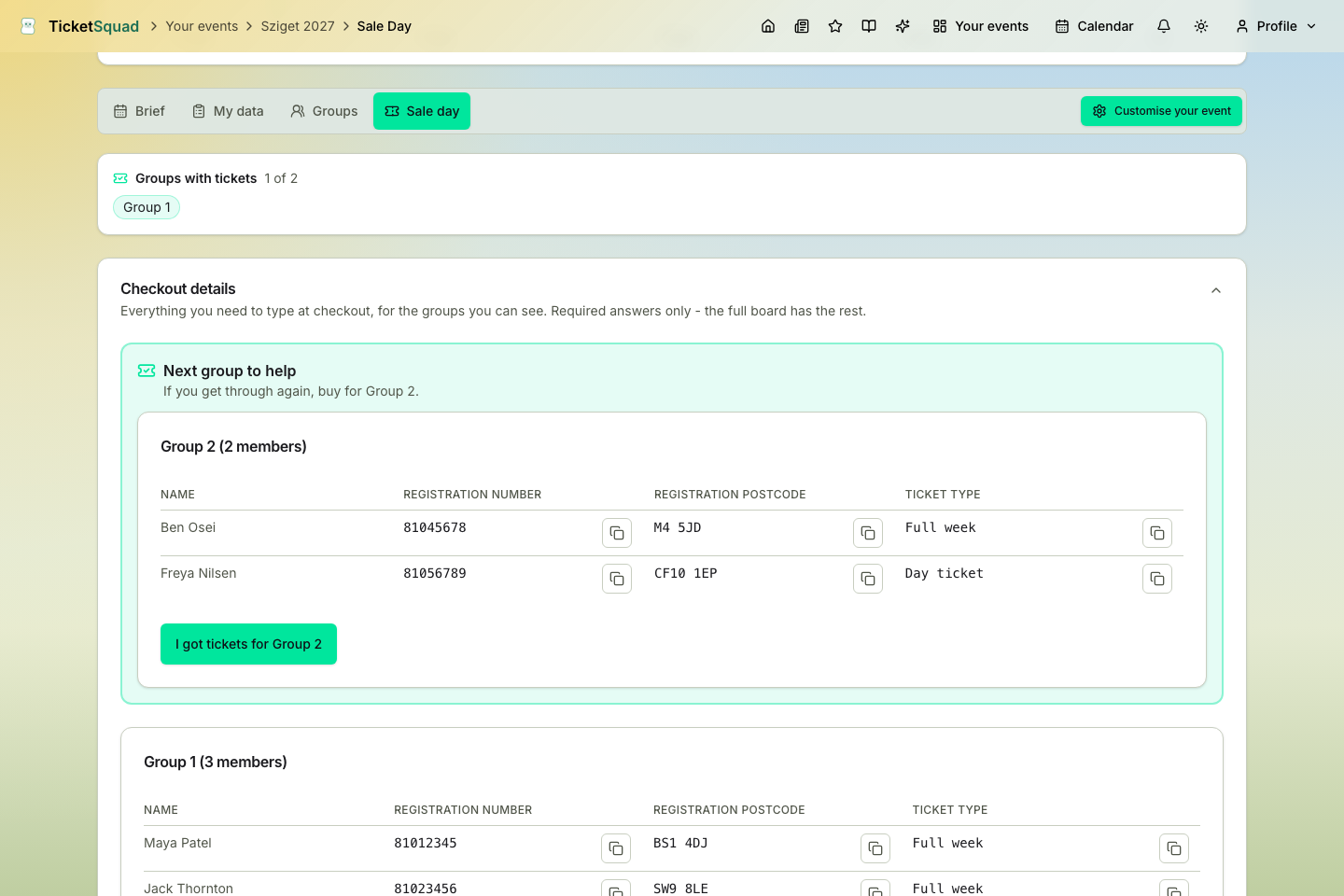
No hunting through chats, no spreadsheet panic. On the morning everyone works from the live sale-day board, which is the event's sale day tab rather than a separate page. It carries the checkout answers with copy buttons for every group you can see, a tally of which groups have recorded a success, and, once your own group is settled, the next group you can buy for pulled to the top. It keeps itself up to date as the queue moves, which is how a buyer who gets through knows whose details to use when they go again. On an event with several sales the tab follows the sale you've selected and names it at the top.
And in case the app, the database or your phone signal gives out at the worst possible moment, TicketSquad also generates each group an offline backup file before the rush: a saved copy that opens with no internet at all. It doesn't update, so treat it as the fallback and not the route you plan on.
After the sale: track outcomes and keep the relay moving
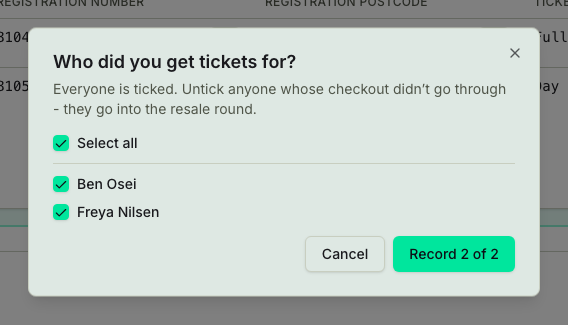
Real sales are messy. One group gets through while another misses out, and a checkout can fail for one person in a group of six. So reporting a success asks who it actually covered, in the same press, and anyone left out stays in the mix so another group can still buy for them. Nobody has to report missing out. When it's over the coordinator presses Sale over for that sale, every group still without tickets is marked together, and everyone still without one goes into the resale round. Then the relay starts: a buyer whose own group is covered can reach the front again and buy for a group that's still waiting.
On an event with several sales, Sale over ends the sale it's pressed on and leaves the others alone. Anyone buying in the running sale who turns out to hold a ticket from somewhere else stops being a buyer in it and becomes a helper of their group, which frees a place. And before the next sale runs, the coordinator reviews the handover with Make ticket holders helpers, which lists the people already holding a ticket who are still down as buying in it, and turns them into helpers for it. The sale plans guide walks through both.
And when the whole squad gets in
When every member has a ticket, the app turns the result into a shared win: the moment the buying group knows the plan worked and nobody's left wondering.